
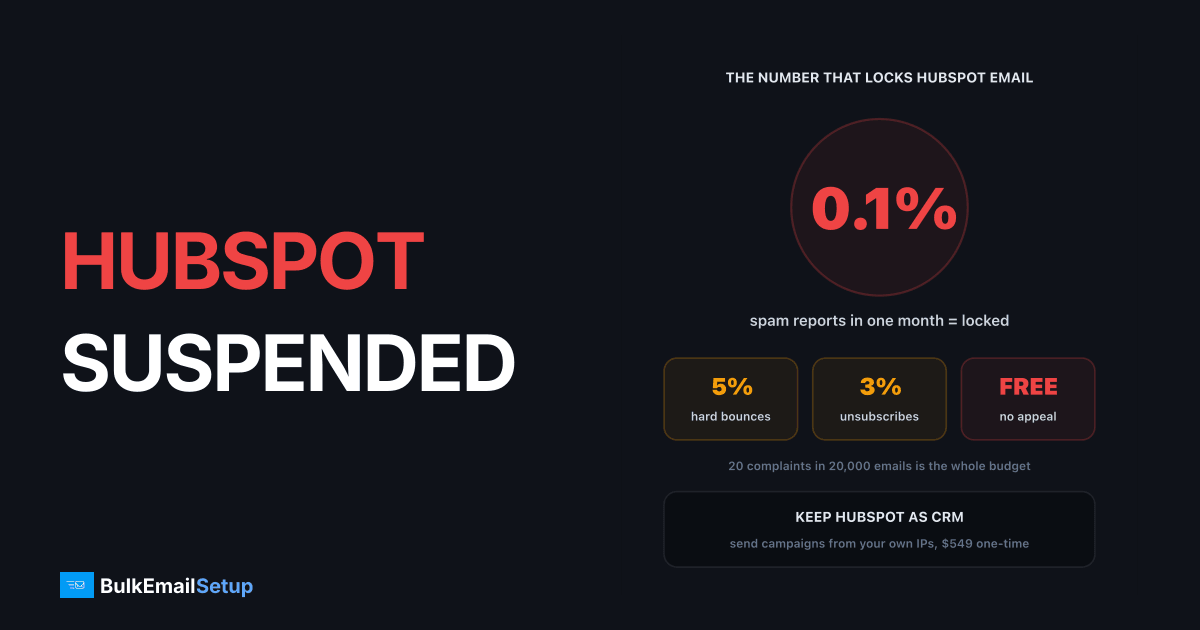
HubSpot suspends marketing email when one month of sending crosses any of three lines: 5% hard bounces, 0.1% spam reports, or 3% unsubscribes. It also locks accounts for spam trap hits, blocklisting and abuse complaints. If you are on a paid plan you get exactly one appeal, submitted from the Health tab. If you are on free HubSpot, the suspension cannot be lifted, so the job is to move campaign sending somewhere else while keeping HubSpot as your CRM.
What the HubSpot suspension notice means
HubSpot uses a few states, and they are not equal. Knowing which one you are in tells you how much time to spend fighting it.
| State | Who gets it | What it means | Way back |
|---|---|---|---|
| Probation | free accounts | metrics slipping, warning banner | clean contacts, 8-step review |
| Suspension | free or paid | threshold crossed in a month | paid: one appeal. free: none |
| Fraud review | any | spam traps or fraud signals | additional review, answer in about 2 business days |
| Hosted inbox suspension | any | bad one-to-one or inbox sending | appeal form in the banner |
The rule that matters most: probation is a warning, suspension is a decision. Free accounts that ignore probation go straight to a suspension that HubSpot's own knowledge base says cannot be lifted.
How a HubSpot email suspension escalates, and where the paths split
Which limit did you cross?
Open Marketing, then Email, then the Health tab. Compare the month that triggered the lock against these limits.
| Metric | HubSpot limit | On a 20,000 email month | What it usually points to |
|---|---|---|---|
| Hard bounce rate | 5% | 1,000 bounces | bought, scraped or very old list |
| Spam report rate | 0.1% | 20 reports | people who never asked to hear from you |
| Unsubscribe rate | 3% | 600 unsubscribes | wrong audience or too many sends |
| Spam traps | any hit | 1 is enough | list sourced from a third party |
Look at the spam column again. Twenty spam reports in a 20,000 email month is enough. That is one annoyed person per thousand. Most senders who get locked did not think they had a problem, because 20 complaints feels like nothing.
On one 20,000 email month, each of these counts is enough to lock sending
The thresholds are measured over a month, not per campaign. So one bad send to an old segment on the 3rd can lock you even if every other campaign that month was clean.
Free or paid: can you appeal?
| Account | Appeal? | Notes |
|---|---|---|
| Free HubSpot tools | No | suspension is permanent |
| Marketing Hub Starter and up | Yes, once | from the Health tab, "How to Fix" |
| Denied appeal | No second try | marketing email stays locked |
| New account for same company | Not a fix | HubSpot staff say it does not guarantee access |
If you are on a free account, stop here and skip to the section on where to send next. The time you would spend trying to get it back is better spent cleaning the list.
How to use your one appeal well
The appeal flow asks you to confirm permission for your contacts and lets you opt out, quarantine or delete the ones you cannot vouch for. It then warns that you can only submit once. Do the work before you click.
- Find the segment. Sort the triggering campaign's bounces by list source. "Trade show list from 2022" is the usual answer.
- Delete what you cannot prove. Anyone without a form fill, purchase or clear opt-in record goes.
- Quarantine the silent. No open or click in 12 months? Mark them non-marketing. On most lists that removes 20% to 30% of contacts.
- Write down the process change. Double opt-in on forms, a sunset rule, a cleaning schedule. HubSpot wants to see the cause is gone, not just the list trimmed.
- Submit once, then stop. Extra tickets do not speed anything up.
Our email list cleaning guide covers steps 2 and 3 in detail, and the sunset policy guide covers step 4.
Why HubSpot is this strict
HubSpot's limits are tighter than Gmail's because you share sending IPs with thousands of other HubSpot customers. Your complaints land on the same IPs as theirs. Gmail's own sender guidelines put the hard ceiling at 0.3% spam complaints. HubSpot acts at 0.1%, a third of that, because one bad sender can drag the whole pool down.
| Limit | Gmail | HubSpot shared pool |
|---|---|---|
| Spam complaints | 0.3% ceiling, 0.1% target | 0.1% suspension line |
| Who sets it | the inbox provider | the platform, to protect other customers |
| Judged on | your domain and IP | your risk to everyone on the IP |
This is the trade you make on any shared platform. Cheap and easy to start, but the platform has to police you hard. On your own dedicated IPs, the only line that applies is the inbox provider's.
What still works while you are suspended
The lock covers the marketing email tool. The rest of HubSpot keeps running:
- CRM, contacts and deals: unchanged.
- Forms and lists: still collecting opt-ins, which you will need.
- Sales email from a connected inbox: still works, but it goes through your Gmail or Outlook account and their daily caps. Pushing campaign volume through it is a fast way to get that inbox locked too. See what to do when you outgrow Gmail SMTP.
- Exports: you can still export contacts, which is the key to sending from somewhere else.
Where to send bulk email after a HubSpot ban
There are four realistic paths. Pick based on why you were locked.
| Option | Good when | Risk |
|---|---|---|
| Appeal and stay | paid plan, one bad segment, now removed | one shot, then locked for good |
| Another shared ESP | small list, cause fully fixed | same shared-pool rules, same limits |
| HubSpot transactional add-on | receipts and password resets only | not allowed for campaigns |
| HubSpot CRM plus your own SMTP server | ongoing volume, legitimate list | you run warm-up and hygiene yourself |
Moving the same list to another ESP is the mistake we see most often. Mailchimp, Brevo and ActiveCampaign all run shared pools with similar limits, so an uncleaned list gets you locked again within weeks. We wrote up the same pattern in Mailchimp shut down my account.
The setup that holds up for senders with real volume is the split: HubSpot keeps the contacts and the consent records, and campaigns go out through a server whose IPs are yours alone.
Keep HubSpot as the CRM, send campaigns from your own server
For a deeper look at HubSpot's caps and contact billing, see HubSpot email limits and using your own SMTP.
The 30-day recovery plan
Work this whether or not you appeal. If the appeal wins, you are ahead.
Days 1 to 3: contain. Export all contacts, unsubscribes and bounce data. Find the segment that caused the spike. Set up Google Postmaster Tools for your domain if it is not already running.
Days 4 to 7: clean. Delete hard bounces. Mark 12-month inactive contacts non-marketing. Expect to lose 20% to 30% of the list. Those are the contacts causing the problem.
Days 8 to 14: set up the new path. Use a sending subdomain, publish SPF, DKIM and DMARC, and match PTR to the HELO name. Submit the appeal now if you are on a paid plan.
Days 15 to 45: warm up. Start with your most engaged contacts, a few hundred a day per IP, growing about 30% every two days. New IPs start cold no matter what your history is. Our IP warm-up schedule has the week-by-week numbers.
Ongoing: check bounce rate, spam rate and domain reputation weekly. Keep each campaign under 2% bounces and 0.1% complaints.
How BulkEmailSetup helps
We set up a dedicated SMTP server that you own, so campaign sending no longer depends on a shared pool's rules. You keep HubSpot as your CRM and send campaigns through your own IPs with SPF, DKIM, DMARC and PTR done, bounce handling, a campaign platform and a warm-up plan.
| Plan | One-time fee | Emails per day | Dedicated IPs | Hosting you pay your host |
|---|---|---|---|---|
| Basic | $549 | 25,000 | 3 | about $11 a month |
| Advance | $1,199 | 200,000 | 15 | about $49 a month |
There is no monthly fee to us and no contact limit, and every plan has a 15-day money-back guarantee. A clean list still matters on your own server, but nobody else's sending can lock yours. See Basic plan details or compare all pricing.
Frequently asked questions
Why did HubSpot suspend my email sending?
HubSpot's deliverability system locks marketing email when, within one month, hard bounces pass 5%, spam reports pass 0.1% (one per 1,000 emails), or unsubscribes pass 3%. It also suspends for spam trap hits, blocklisting, abuse desk complaints and repeated cancelled sends. A bought or old list is behind most cases, because it trips the bounce and spam limits together.
How long does a HubSpot email suspension last?
There is no timer. On a free account the suspension is permanent and cannot be lifted. On a paid account it lasts until your appeal is decided. HubSpot says extra account reviews get an answer within two business days, but plan for a week without marketing email, and longer if the appeal is denied.
Can I use my own SMTP with HubSpot?
Not for marketing email. HubSpot sends campaigns only through its own shared infrastructure. Your own SMTP can be connected for the transactional email add-on, and sales emails go out through your connected Gmail or Outlook inbox. To send bulk campaigns from your own server, you export the contacts and send from a separate platform while HubSpot stays your CRM.
Where can I send bulk email after a HubSpot ban?
Fix the list first, because any shared provider will lock you for the same numbers. Then pick between another ESP, which judges you on the same shared-pool rules, or a dedicated SMTP server where only your own reputation is at risk. A dedicated setup like BulkEmailSetup's Basic plan is $549 one-time for 3 IPs and 25,000 emails a day, with hosting around $11 a month.
Can I appeal a HubSpot email suspension on a free account?
No. HubSpot's knowledge base states that email suspensions in accounts using its free tools cannot be lifted. Upgrading to a paid tier after the fact does not promise access either, and opening a fresh free account for the same company is likely to be caught. Free-account senders should move campaign sending elsewhere and keep HubSpot for the CRM.
Can I still use HubSpot CRM while email is suspended?
Yes. The suspension locks the marketing email tool, not the whole account. Contacts, deals, forms, the CRM and reporting keep working. That means you can still export clean segments and keep HubSpot as the record of who opted in, while the actual campaign sending moves to infrastructure you control.
How many times can I appeal a HubSpot suspension?
Once. The appeal flow in the Health tab of the marketing email tool says you can only submit the information one time. Treat it as your single chance: remove every contact without clear consent first, quarantine anyone who never engaged, and only then submit. A rushed appeal with the same list still in place is the most common way to lose it.


