
You can run email marketing under 100 month in 2026 two different ways: Amazon SES at roughly $10 per 100K emails if you stay under about 100K sends, or a managed dedicated SMTP server at a flat $50-150/month once you go higher. The second one is how a $700 ESP bill at 500K-1M emails collapses to around $100. The crossover where a flat-fee server beats per-email ESP pricing sits between 200K and 500K emails a month. Below that, cheap pay-per-email still wins, so the right answer depends on your volume.
I've migrated a dozen senders off $400-900/month ESP contracts onto flat-fee infrastructure. Here's the actual math, where it breaks even, and the parts nobody puts on the pricing page.
Where the $700 ESP bill actually comes from
I pulled a real invoice from a client doing about 600K marketing emails a month on a mainstream ESP. The headline plan was nowhere near $700. The bill got there in pieces.
| Line item | Monthly cost |
|---|---|
| Base plan (covers ~250K contacts) | ~$340 |
| Volume overage (350K emails past tier) | ~$180 |
| Dedicated IP add-on | ~$60 |
| Dedicated deliverability support tier | ~$80 |
| Email validation credits | ~$40 |
| Total | ~$700 |
2026 ballparks, check current pricing. The pattern repeats across every ESP I've audited. The advertised number is the contact tier. The real number is contacts plus sends plus a dedicated IP plus the support tier you need the moment something goes wrong at Microsoft.
The thing that makes it expensive isn't any single line. It's that every line scales with you. Grow the list, the contact tier jumps. Send more often, overage kicks in. The meter never stops.
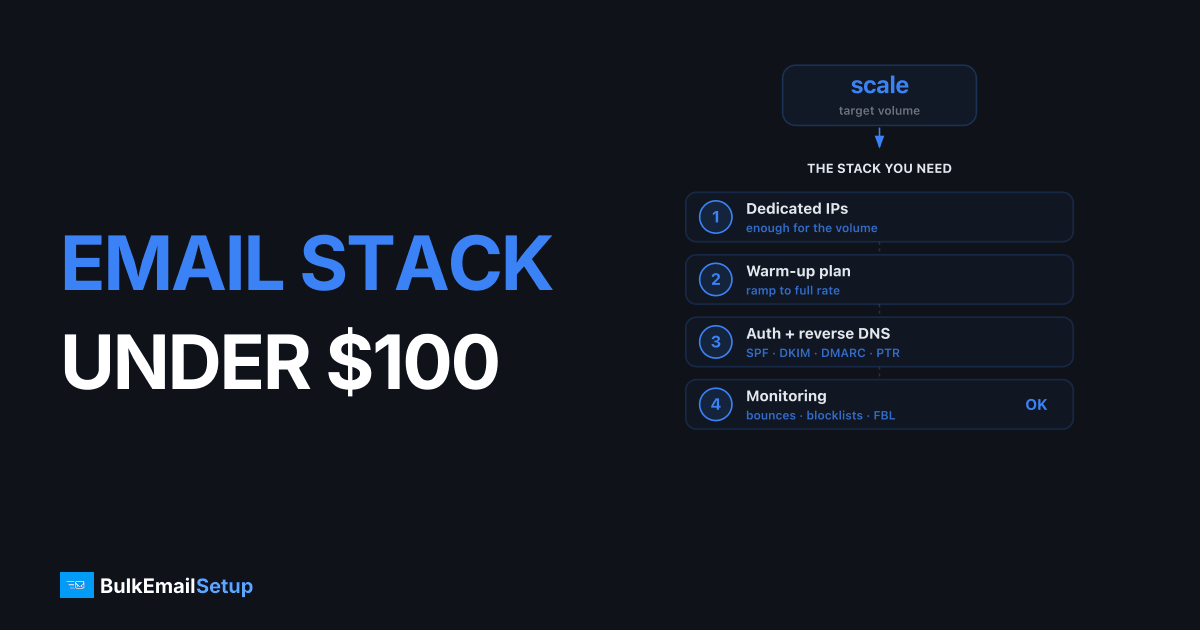
What a $100/month infrastructure stack actually contains
A flat-fee dedicated SMTP stack replaces that whole invoice with one number. Here's what sits inside it.
| Component | In the ESP bill | In the $100 stack |
|---|---|---|
| Sending server | Bundled, shared | Dedicated VPS, yours |
| IP address | $60/mo add-on | Included, warmed |
| Send volume | Metered per email | Unmetered (throughput-bound) |
| DNS auth (SPF/DKIM/DMARC) | Self-serve | Configured for you |
| Blacklist monitoring | Higher tiers only | Included |
| Warm-up | Manual or unsupported | Managed |
| Contact storage | Charged per contact | Not their problem (you own the list) |
The key difference is the billing model, not the technology. An ESP charges for contacts and sends because that's how SaaS prices. A dedicated server charges for the server. You send 100K or 1M through the same box, and the box costs the same.
That's also the honest catch. The server has a floor. At 20K emails a month you're paying $50-150 for capacity you're not using, while SES would charge you about $2. Flat fees punish low volume the same way per-email pricing punishes high volume. I went deep on this trade-off in Amazon SES vs Dedicated SMTP Server.
Email marketing under 100 month: the real cost-per-volume table
This is the table that decides everything. Same five providers, four volume tiers, 2026 ballparks.
| Monthly volume | Mainstream ESP | Amazon SES | Self-hosted Postal | Managed dedicated SMTP |
|---|---|---|---|---|
| 25K | ~$30 | ~$3 | ~$25 (server) | ~$50-100 (overkill) |
| 100K | ~$120-250 | ~$10 | ~$30 (server) | ~$50-150 flat |
| 500K | ~$400-600 | ~$50 | ~$40 (server) | ~$50-150 flat |
| 1M | ~$700-1,200 | ~$100 | ~$60 (server) | ~$100-200 flat |
Check current pricing before you commit. Two patterns jump out:
- SES is cheap at every tier. On raw send cost, nothing beats it. The reason it's not the automatic answer is the operational load, which I'll get to.
- The ESP and the dedicated server cross around 200K-500K. Below the crossover, the ESP's per-email rate is cheaper than the server's floor. Above it, the flat fee wins and never loses again.
If you're sitting at 25K-50K a month and paying an ESP, you do not have a cost problem yet. Stay put or move to SES. The flat-fee server isn't for you until your bill starts climbing into the hundreds. I broke down the low-volume end in the cheapest way to send 100K emails per month.
Why not just self-host and pay $30?
Fair question. The cost-per-volume table shows self-hosted Postal at $30-60 in server cost, cheaper than the managed option at every tier. So why pay more?
Because the $30 is the server bill, not the total cost of ownership. Here's what the $30 doesn't include.
- IP warm-up. A cold IP that blasts 100K on day one gets throttled or blocked. You need a 2-4 week ramp on a schedule. See how long IP warm-up takes.
- Blacklist remediation. When you land on a blocklist (you will, at least once), someone has to detect it and file delisting requests. At 2 a.m., that someone is you.
- Bounce and feedback-loop processing. Hard bounces and complaint feedback loops have to be parsed and suppressed, or your reputation rots.
- DNS and authentication. SPF, DKIM, DMARC, rDNS, all configured correctly and kept aligned.
I've run self-hosted Postal and Postfix in production. It works, and for a technical team with spare hours it's the cheapest path. But the labor is real. Budget 10-20 hours for setup and a few hours a month after. If your own time is worth $80/hour, the "$30 server" costs you several hundred dollars in the first month alone. Postal vs Postfix covers which engine to pick if you go this route.
The managed dedicated server is the middle path: you get the flat fee and your own IP, and the provider absorbs the warm-up, monitoring, and delisting work. You pay $50-150 instead of $30 to not own the pager.
The migration math: what you save and when
Run your own numbers, but here's the shape of the savings for that 600K-a-month client.
| Line item | Before (ESP) | After (managed dedicated SMTP) |
|---|---|---|
| Monthly bill | ~$700 | ~$120 flat |
| Cost per email | ~$0.0012 | ~$0.0002 |
| Dedicated IP | +$60 (add-on) | Included |
| Annual cost | ~$8,400 | ~$1,440 |
| Annual saving | ~$6,960 |
That's an 83% cut at one volume tier, with the dedicated IP folded in instead of bolted on. The percentage gets better as you send more, because the ESP bill rises and the server bill doesn't.
The saving only exists above the crossover. I'll keep repeating it because it's the part people get wrong: at 50K a month this same migration would cost you money, not save it. Volume is the whole argument. For the picture at the very top end, see self-hosted SMTP vs ESP cost at 1 million emails.
The deliverability work that doesn't show up in price
A cheaper bill that lands you in spam is not cheaper. The reason ESPs can charge $700 is partly that they're doing deliverability work you'd otherwise have to replace. When you move to a flat-fee server, that work moves with you, either onto the provider or onto you. Three pieces matter most.
Dedicated vs shared IP. On most ESP base tiers you're on a shared IP pool, sharing reputation with strangers. A dedicated SMTP server gives you a dedicated IP, so your reputation is yours alone, good and bad. That's an upgrade, but only if it's warmed and clean. The trade-offs are in dedicated IP vs shared IP email.
Warm-up sequencing. New IP and often a new sending domain. Both need warming, and they're not the same process. Domain warm-up vs IP warm-up explains why you sequence them together.
List hygiene. Moving infrastructure is the worst time to mail a stale list. Bad addresses generate bounces that tank a fresh IP fast. Clean before you cut over, not after. The email list cleaning guide and google postmaster tools guide cover the monitoring side.
Skip these and the $100 stack will underperform the $700 ESP, and you'll conclude flat-fee infrastructure doesn't work. It works. The IP just wasn't ready.
A realistic migration sequence
This is the order that has worked every time I've done it. Calendar time is 4-6 weeks. Actual hands-on work is a few hours; the rest is waiting for reputation to build.
- Export suppression lists from the ESP first. Unsubscribes, hard bounces, complaints. Import them into the new system before a single send. Mailing a previously-unsubscribed address is a compliance problem and a complaint magnet.
- Stand up authentication on the new IP. SPF include or direct IP, fresh DKIM selector, confirm DMARC still aligns. Run one message through a mail-tester before real traffic.
- Warm over 2-4 weeks. Start with your most engaged segment at 1-2K/day, roughly doubling every 2-3 days, while the ESP carries the rest. Engaged openers generate the signals that build reputation fastest.
- Watch bounce codes daily during the ramp. 4xx deferrals mean slow down. 5xx blocks mean stop and diagnose.
- Keep the ESP alive on a downgraded plan for 30 days post-cutover. Cheap insurance if the new IP hits a surprise listing.
If you're scaling into serious volume during this, how to send 10,000 emails a day and infrastructure to send 100K emails per day cover the throughput planning.
Two mistakes that wreck the savings
Cutting over in one day. People see the $6,960 annual saving and want it now. They kill the ESP Friday and blast 600K through a cold IP Monday. The IP gets throttled, opens crater, and they blame the server. Warm gradually or don't bother.
Putting transactional and marketing on the same IP. If you do both, separate them, different subdomains minimum, ideally different IPs. One bad marketing campaign should never knock out your password-reset emails. Subdomain vs root domain for email sending covers the split.
So is $100/month real, or marketing?
It's real, with one honest condition: you have to be sending enough. Here's the decision in one table.
| Your monthly volume | Cheapest sane option | Roughly |
|---|---|---|
| Under 50K | Amazon SES | ~$5-10 |
| 50K-200K | SES or stay on ESP | ~$10-60 |
| 200K-500K | Managed dedicated SMTP (crossover zone) | ~$50-150 flat |
| 500K-1M+ | Managed dedicated SMTP | ~$100-200 flat |
If you're in the bottom two rows, $100/month email marketing isn't a slogan, it's just cheaper than what you're paying. If you're in the top row, SES already has you under $100 and a dedicated server would be a downgrade on cost. Match the tool to the volume and the pricing stops being a mystery. For more on relay pricing across providers, see the SMTP relay pricing comparison.
How BulkEmailSetup helps
BulkEmailSetup runs your sending on a dedicated SMTP server with a warmed dedicated IP, managed blacklist monitoring, and full SPF/DKIM/DMARC setup, all for a flat monthly fee that doesn't move when your volume does. At 500K-1M emails a month, that typically replaces a $400-700+ ESP bill with something near $100, your own reputation and none of the 2 a.m. delisting work. See pricing for current plans and the volume where the flat fee starts beating per-email billing.
Frequently asked questions
Can you really do email marketing under 100 a month?
Yes, two ways. Amazon SES costs about $10 per 100K emails, so under 100K/month you stay well under $100 on pure send cost. At higher volume, a managed dedicated SMTP server runs a flat $50-150/month regardless of send count, which keeps you near $100 even at 500K-1M emails where ESPs charge $400-700+.
At what volume does a $100 dedicated server beat a $700 ESP?
The crossover is usually between 200K and 500K emails per month. Below that, per-email ESP or SES pricing is cheaper than a dedicated server's floor. Above it, the flat fee wins and the gap widens fast, since the server price doesn't move while the ESP bill keeps climbing.
Is a $50-150 dedicated SMTP server enough for 1 million emails a month?
For throughput, yes. A single dedicated IP on a properly tuned server pushes well over 1M/month once warmed. The constraint is reputation and warm-up, not raw capacity. The flat fee covers the server, IP, and managed deliverability work, not extra per-email charges.
What's hidden in the $700 ESP bill that the $100 stack avoids?
Per-email overage tiers, dedicated IP add-ons ($25-80/month), extra charges for validation and dedicated support, and contractual minimums. A dedicated SMTP server bundles the IP and deliverability work into one flat number with no overage meter running.


