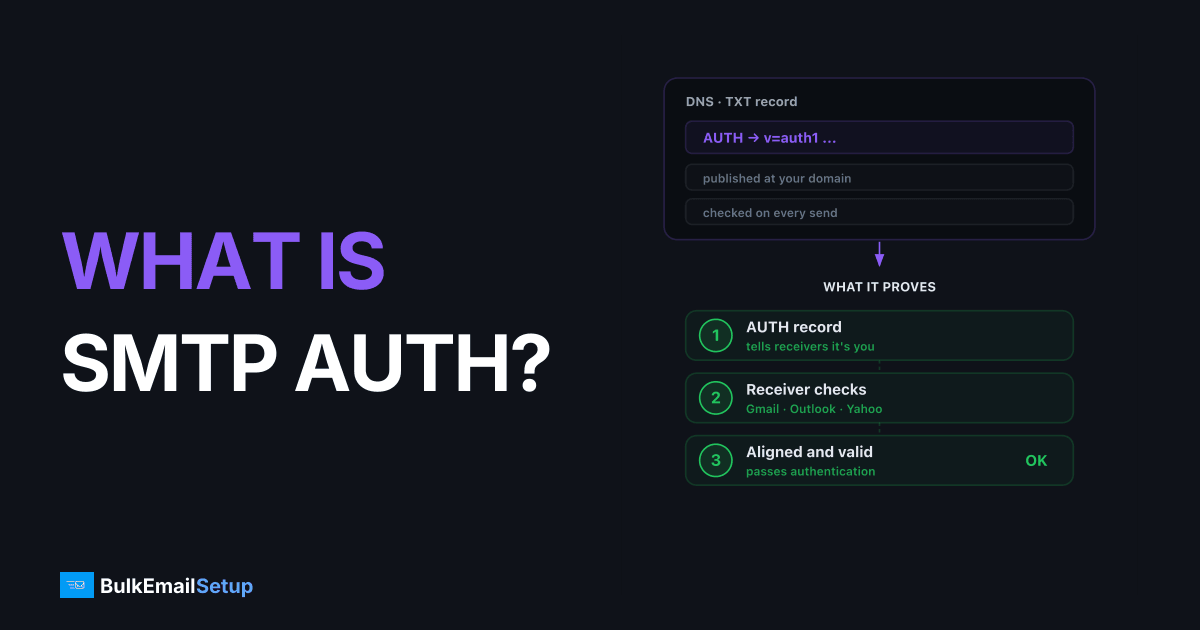
SMTP authentication (SMTP AUTH) is the step where an email client proves its identity to a mail server before that server agrees to relay the message. It's an SMTP extension defined in RFC 4954: the client issues an AUTH command with credentials, usually over port 587 with STARTTLS, and the server either accepts and relays the mail or rejects it with a 535 error. Without it, a relay would be an open relay that anyone could abuse to send spam.
I configure SMTP AUTH on every outbound mail server I run. Here's what it actually does, the mechanisms involved, and where people trip up.
Why SMTP AUTH exists
Early SMTP had no login step. Any client could connect to any server and ask it to relay mail anywhere. Spammers found those open relays fast and burned their reputation. SMTP AUTH fixed that: the server now demands credentials before it relays anything not addressed to a local mailbox.
So the rule is simple. Mail to your own domain needs no auth (that's inbound delivery). Mail through your server to anywhere else needs auth. That single check is what separates a working relay from a spam cannon.
How the AUTH handshake works
A typical authenticated submission looks like this:
- Client connects on port 587.
- Client sends
EHLO, server lists capabilities includingAUTH LOGIN PLAIN. - Client issues
STARTTLS, both sides upgrade to an encrypted channel. - Client re-sends
EHLO, thenAUTH LOGIN(orPLAIN). - Client sends the base64-encoded username and password.
- Server replies
235 Authentication successfulor535 Authentication failed.
The credentials are only base64-encoded, not encrypted. That's why step 3 matters. Never send AUTH before TLS is up, or your password crosses the wire in plain sight.
Ports, mechanisms, and codes
| Item | Value | Notes |
|---|---|---|
| Port 587 | Submission + STARTTLS | Modern default for authenticated client sending |
| Port 465 | Submission, implicit TLS | Back in favor; TLS from the first byte |
| Port 25 | Server-to-server relay | Not for authenticated client submission; often blocked by ISPs |
| AUTH PLAIN | Credentials in one string | Base64, requires TLS |
| AUTH LOGIN | Credentials in two steps | Base64, requires TLS |
| AUTH CRAM-MD5 | Challenge-response | Avoids sending the raw password; less common now |
| AUTH XOAUTH2 | OAuth token | Used by Gmail, Microsoft 365 |
| 235 | Auth successful | You're cleared to send |
| 535 | Auth failed | Wrong creds, no TLS, or blocked account |
SMTP AUTH is not domain authentication
The single most common confusion I see: people think SMTP AUTH makes their mail "authenticated" to the inbox. It doesn't. SMTP AUTH is a login between your client and your relay. It says nothing to Gmail or Outlook about whether the mail is really from your domain.
That job belongs to SPF, DKIM, and DMARC. Those records tell receiving servers the message is legitimately yours, which is what keeps you out of spam. If you're setting up bulk sending, you need both layers. Get the domain records wrong and your bounce rate climbs no matter how clean your AUTH is. See how to reduce email bounce rate and subdomain vs root domain for email sending.
Common SMTP AUTH problems
- 535 with correct password. Usually an app-specific password is required (Gmail, Microsoft 365), or TLS wasn't negotiated first.
- AUTH not offered in EHLO. The server only advertises
AUTHafter STARTTLS, or only on port 587/465, not 25. - Works locally, fails from a server. Many hosts block outbound port 25. Switch to 587.
- Rate limits masquerading as auth errors. Some relays return 535 when an account exceeds its send quota.
For a working relay walkthrough, see how to set up an SMTP server for bulk email. If you're weighing relays, smtp relay pricing comparison and amazon ses vs dedicated smtp server cover the cost trade-offs.
How BulkEmailSetup helps
SMTP AUTH is the easy part. The hard part is everything around it: dedicated IP warm-up, SPF/DKIM/DMARC alignment, blacklist monitoring, and bounce handling. BulkEmailSetup gives you a dedicated SMTP server with credentials configured, TLS enforced, and deliverability managed, at a flat monthly fee that beats per-email pricing once you're sending 100K+ a month. See pricing for current plans.
Frequently asked questions
What is SMTP AUTH?
SMTP AUTH is an extension to the SMTP protocol that requires a client to authenticate with a username and password (or token) before a mail server will accept and relay its messages. It stops the server from being an open relay used by spammers.
Which port should I use for SMTP AUTH?
Use port 587 with STARTTLS for authenticated submission, which is the modern standard. Port 465 (implicit TLS) also works and is widely supported again. Avoid port 25 for authenticated client submission; it is meant for server-to-server relay.
What is the difference between AUTH LOGIN and AUTH PLAIN?
Both send your username and password base64-encoded over the connection. AUTH PLAIN sends them in a single combined string; AUTH LOGIN sends username and password in two separate steps. Neither is encryption, so both must run inside a TLS session.
Is SMTP AUTH the same as SPF, DKIM, and DMARC?
No. SMTP AUTH proves a client is allowed to send through a relay (a login step). SPF, DKIM, and DMARC prove to receiving servers that a message legitimately comes from your domain. You need both, but they solve different problems.
Why am I getting a 535 authentication error?
A 535 means the server rejected your credentials. Common causes: wrong username or password, an app-specific password is required, TLS was not negotiated before AUTH, or the account is rate-limited or blocked.