
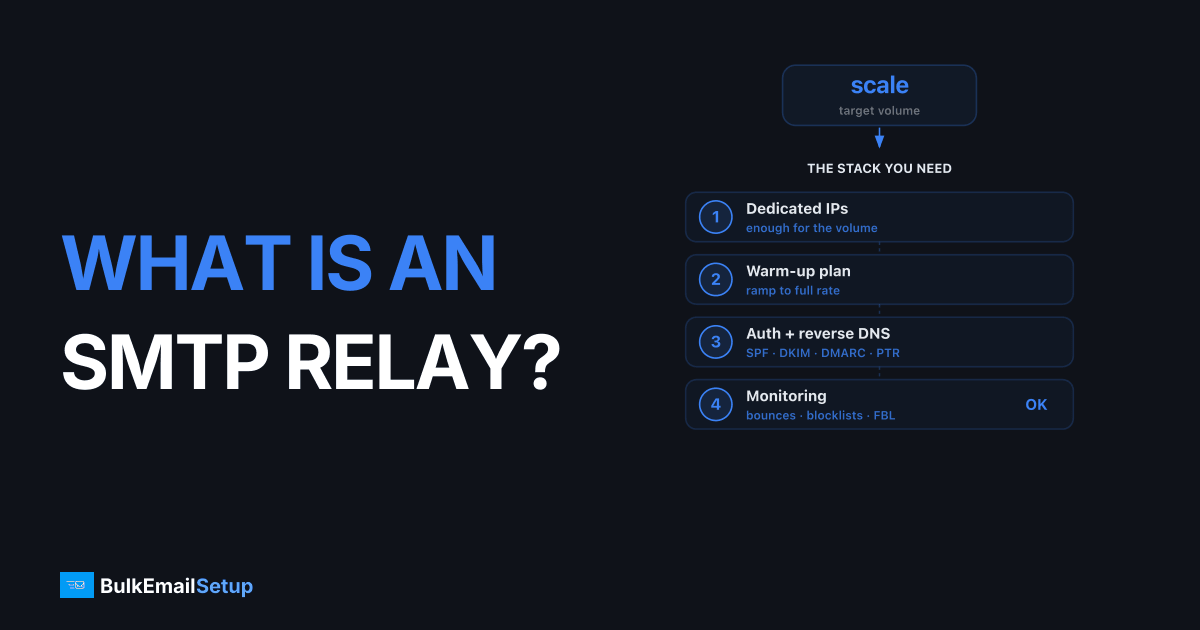
An SMTP relay is a mail server that accepts your outgoing email and forwards it toward each recipient's mail server on your behalf. The SMTP relay meaning, in plain terms, is a trusted middleman: your app connects on port 587, authenticates, hands over the message, and the relay handles routing, TLS, retries, and bounce reporting. Almost all bulk and transactional email, from password resets to newsletters, goes through a relay rather than being delivered directly from the sending application.
I've run mail through self-hosted relays and managed ones for years. Here's what the term actually means, how the pieces fit, and when you need one.
What an SMTP relay does, step by step
When your application sends an email through a relay, this is the sequence:
- Your app opens a TCP connection to the relay on port 587 (or 465).
- It authenticates with a username and password or an API key.
- It hands over the message with envelope sender, recipients, headers, and body.
- The relay returns a
250status code meaning "accepted for delivery." - The relay looks up each recipient domain's MX records and connects to that mail server.
- It delivers, retries on temporary failures, and reports bounces back to you.
The key idea: your app's job ends at step 4. Everything hard about deliverability, the static IP reputation, DNS authentication, retry logic, lives on the relay.
SMTP relay vs sending directly
You can technically deliver mail straight from your server on port 25 with no relay. I don't recommend it for anything past a hobby project. The gap:
| Concern | Direct send (port 25) | Through a relay |
|---|---|---|
| Outbound port 25 | Blocked on most clouds/ISPs | N/A, relay handles it |
| IP reputation | You build and defend it | Provided, often warmed |
| SPF / DKIM / DMARC | You configure all of it | Relay-assisted or managed |
| Retries on 4xx | You code it | Built in |
| Bounce/complaint handling | You build it | Reported to you |
| Blacklist remediation | Your problem at 2 a.m. | Managed (on good providers) |
For one or two emails a day, direct send works. For real volume, a relay is the difference between the inbox and the spam folder.
Ports and codes you need to know
These are the terms that trip people up. Quick reference:
| Term | Value | Meaning |
|---|---|---|
| Port 25 | Server-to-server | MX delivery between mail servers; blocked outbound on most networks |
| Port 587 | Submission + STARTTLS | Modern default for app-to-relay submission |
| Port 465 | Submission + implicit TLS | Older but still widely supported |
250 | Success | Relay accepted the message for the next hop |
4xx | Temporary | Greylisting or rate limit, retry later |
5xx | Permanent | Hard failure, stop sending to that address |
A 250 is not a guarantee of inbox placement. It only means the relay took the message. Inbox vs spam is decided later by the receiving server based on your authentication and reputation.
Types of SMTP relay
- Self-hosted relay. Postal or Postfix on a VPS with a dedicated IP. Cheapest per email, but you own warm-up, rDNS, and blacklist work. See Postal vs Postfix.
- ESP / API relay. SendGrid, Mailgun, Amazon SES. You send via SMTP or API and share (or rent) IP reputation. Compare the SendGrid alternatives and Amazon SES alternatives.
- Managed dedicated relay. Your own warmed IP and server, but a provider handles the operations. Flat monthly fee.
Roughly what a relay costs in 2026
These are 2026 ballparks; check current pricing before committing.
| Option | ~Cost per 100K emails | Reputation | Ops burden |
|---|---|---|---|
| Amazon SES | ~$10 | Yours, unwarmed | High (you own it) |
| Mailgun / SendGrid | ~$75-250 | Shared on low tiers | Medium |
| Self-hosted Postal | ~$20-40 (server) | Yours | Highest |
| Managed dedicated SMTP | Flat ~$50-150/mo | Yours, warmed | Low |
At low volume, SES or a self-hosted box wins on raw cost. The crossover where a flat-fee dedicated relay gets cheaper per email lands somewhere between 100K and 300K/month. The math is worked out in cost to send 1 million emails per month and is managed SMTP worth it.
Common questions about relays
A few things I get asked constantly:
- Shared or dedicated IP? At 100K+/month, a dedicated IP so one bad sender doesn't sink you. See dedicated IP vs shared IP.
- Does a new relay hurt deliverability? Briefly, yes. Any new IP needs a 2-4 week warm-up. Details in how long IP warm-up takes.
- Why are my bounces high? Usually list hygiene or auth misconfiguration. See how to reduce bounce rate.
How BulkEmailSetup helps
BulkEmailSetup runs your relay as a dedicated SMTP server: your own warmed IP, managed blacklist monitoring, and full SPF/DKIM/DMARC setup, so your app just sends on port 587 and the deliverability work is handled. At sustained volume the flat monthly fee beats per-email relays by a wide margin. See pricing for current plans.
Frequently asked questions
What is the SMTP relay meaning in simple terms?
An SMTP relay is a mail server that accepts your outgoing email and forwards it on toward the recipient's mail server on your behalf. Instead of your app delivering mail directly, it hands the message to a trusted relay that handles routing, retries, and authentication. Most bulk and transactional email goes through a relay.
What port does an SMTP relay use?
Port 587 with STARTTLS is the modern default for submitting mail to a relay. Port 465 uses implicit TLS and is also common. Port 25 is reserved for server-to-server delivery and is blocked outbound on most cloud and residential networks, so don't use it from your app.
Is an SMTP relay the same as an SMTP server?
Every relay is an SMTP server, but not every SMTP server relays. A relay specifically accepts mail from one party and forwards it to another. A receiving-only server that just accepts mail for its own domain isn't acting as a relay.
Do I need an SMTP relay or can I send email directly?
Technically you can open port 25 and deliver directly, but in practice you'll land in spam. You need a static IP with rDNS, SPF, DKIM, DMARC, warm-up, and bounce handling. A relay gives you that infrastructure without building it yourself.
What does a 250 SMTP code mean?
250 means the relay accepted your message for delivery. It does not guarantee inbox placement, only that the relay took responsibility for the next hop. 4xx codes are temporary deferrals (retry later) and 5xx codes are permanent failures (stop sending to that address).


