
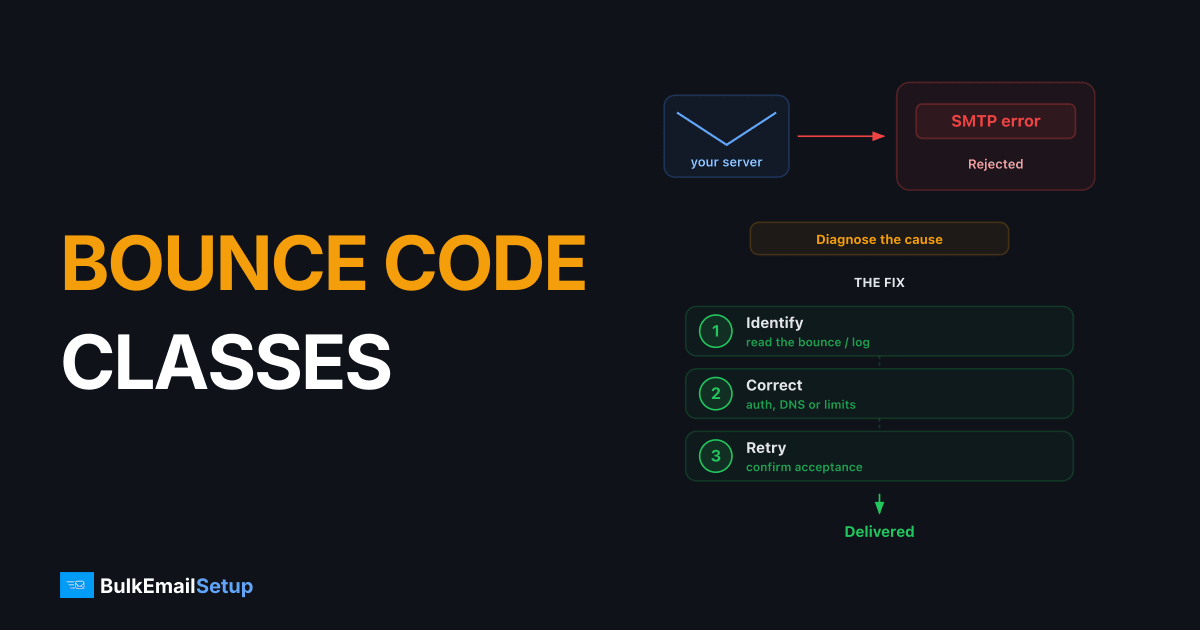
SMTP bounce codes are 3-digit reply numbers a receiving mail server returns to tell your server what happened to a message. They split into three classes: 2xx means accepted (250 is the success code you want), 4xx means a temporary failure you should retry (a soft bounce, like a full mailbox or greylisting), and 5xx means a permanent rejection you must stop sending to (a hard bounce, like 550 "no such user"). The first digit is the class; everything after refines the reason.
I read bounce logs every day. Most "deliverability problems" are just misread codes: people retrying 5xx addresses they should drop, or panicking over 4xx deferrals that clear on their own. Here's how the classes actually work.
What do the three SMTP bounce code classes mean?
The first digit tells you the category. The rest narrows it down.
| Class | Meaning | Bounce type | What to do |
|---|---|---|---|
| 2xx | Success, accepted | None | Nothing, message took |
| 4xx | Temporary failure | Soft bounce | Retry on a schedule |
| 5xx | Permanent failure | Hard bounce | Stop, remove address |
There's also 3xx (intermediate, like 354 "go ahead and send data") and 1xx, but you almost never act on those. The three that matter for bounce handling are 2xx, 4xx, and 5xx.
A soft bounce (4xx) is temporary and retryable. A hard bounce (5xx) is permanent and final. Confusing the two is the single most common bounce-handling mistake I see, and it directly drives bounce rates up.
2xx: the message was accepted
250 OK is the response after a successful DATA command. The receiving server has taken responsibility for the message. Other 2xx you'll see:
- 250 2.1.5 Recipient OK (after RCPT TO)
- 251 User not local, will forward
- 252 Cannot verify user, but will accept and attempt delivery
Important honesty: 250 means accepted, not delivered to the inbox. A message can get a clean 250 and still land in spam, or bounce later as an async failure that arrives as a separate bounce message minutes or hours afterward. Don't treat 250 as proof of inbox placement.
4xx: temporary failures (soft bounces)
A 4xx code is the server saying "not now, try again." Your MTA should queue and retry on a backoff schedule, typically for up to 72 hours before giving up. Common ones:
- 421 Service not available, connection throttled or server busy
- 450 Mailbox unavailable (busy or temporarily locked)
- 451 Local error in processing, often greylisting
- 452 Insufficient system storage or too many recipients
The big one is greylisting. The server rejects the first attempt with a 4xx on purpose, expecting a legitimate sender to retry. Retry a few minutes later and it goes through. Spammers usually don't retry, so this filters junk.
4xx also shows up during rate limiting. When you send too fast to Gmail or Microsoft, you get deferrals like 421 4.7.0 asking you to slow down. During an IP warm-up this is normal and expected, the provider is metering an unfamiliar IP. Don't speed up; let the queue drain.
5xx: permanent failures (hard bounces)
5xx means done, gone, do not retry. Sending again wastes reputation and signals list hygiene problems. The ones I see daily:
- 550 Mailbox does not exist, or message rejected by policy
- 551 User not local, no forwarding
- 552 Mailbox full (quota exceeded), sometimes treated as permanent
- 553 Mailbox name not allowed, bad address syntax
- 554 Transaction failed, often a blanket "we don't want your mail" or a blacklist block
550 is the workhorse. "550 5.1.1 No such user" means the address is dead, remove it. But 550 also carries policy blocks: "550 5.7.1 Message rejected due to content" or a Spamhaus reference means your IP or content is the problem, not the address. When 550s spike across many recipients at once, you're blocked, not hitting bad addresses. Check blacklists before touching the list.
Enhanced status codes (the 5.1.1 part)
The basic 3-digit code is coarse. RFC 3463 enhanced status codes add a second number for real detail. Format: class.subject.detail.
| Enhanced code | Meaning |
|---|---|
| 2.0.0 | Success, generic |
| 4.2.2 | Mailbox full (temporary) |
| 4.7.0 | Rate limited / throttled |
| 5.1.1 | Bad destination mailbox address |
| 5.2.2 | Mailbox full (permanent) |
| 5.7.1 | Delivery not authorized / blocked by policy |
| 5.7.26 | Failed SPF/DKIM/DMARC authentication |
If you log only the 3-digit code you'll keep guessing. Log the full enhanced code and the text string, that's what tells you whether a 550 is a dead address or a blacklist. A wave of 5.7.1 or 5.7.26 is an authentication or reputation issue, often tied to SPF/DKIM setup or a shared IP's reputation, not your list.
How bounce handling should work
The rules I run by:
- 2xx accepted, log and move on.
- 4xx retry with backoff up to ~72h, then convert to a soft-bounce suppression after repeated failures.
- 5xx suppress the address immediately, never retry.
- Threshold alarms hard bounces over 2% or a sudden 5xx spike trigger a manual check (blacklist, list source, auth) before the next send.
Counting bounces correctly is also how you size infrastructure honestly. A list throwing 8% hard bounces costs you the same on any platform, see how to reduce email bounce rate and the broader cost of sending 1M emails per month.
How BulkEmailSetup helps
On a managed dedicated SMTP server, we parse every bounce code for you: 4xx deferrals get retried on a sane schedule, 5xx hard bounces are auto-suppressed, and 5.7.x blocks trigger blacklist checks and delisting on your behalf. You get your own warmed IP and a clean bounce report instead of raw logs. At sustained volume the flat monthly fee usually beats per-email platforms, see pricing for current plans, and is managed SMTP worth it for the honest trade-offs at low volume.
Frequently asked questions
What is the difference between a 4xx and 5xx SMTP bounce code?
A 4xx code is a temporary failure (soft bounce). The receiving server is asking you to retry later, common reasons are full mailbox, greylisting, or rate limiting. A 5xx code is a permanent failure (hard bounce), the address is bad or you are blocked, and you should stop sending to it.
What does SMTP 250 mean?
250 means the receiving server accepted the message for delivery. It is the standard success code you want to see after the DATA command. It does not guarantee inbox placement, only that the server took responsibility for the message.
Should I retry a 550 bounce?
No. 550 is a permanent 5xx rejection, usually 'mailbox does not exist' or 'message rejected.' Retrying wastes reputation and can get you flagged. Remove the address from your list and investigate if you see 550 in bulk.
What is an enhanced SMTP status code?
Defined in RFC 3463, it is a three-number code like 5.1.1 that adds detail beyond the basic 3-digit reply. The first digit matches the class (2/4/5), the second is the subject (e.g. 1 = addressing), and the third is the specific detail. 5.1.1 means a bad destination mailbox address.
How many bounces are too many?
Keep hard bounces under 2% of sends and total bounces under 5%. Above that, mailbox providers throttle or block you. A sudden spike in 5xx codes usually means a blacklist hit or an old list, not individual bad addresses.


